Still to Ad Spot
- Seedance 2.5
- Product ad
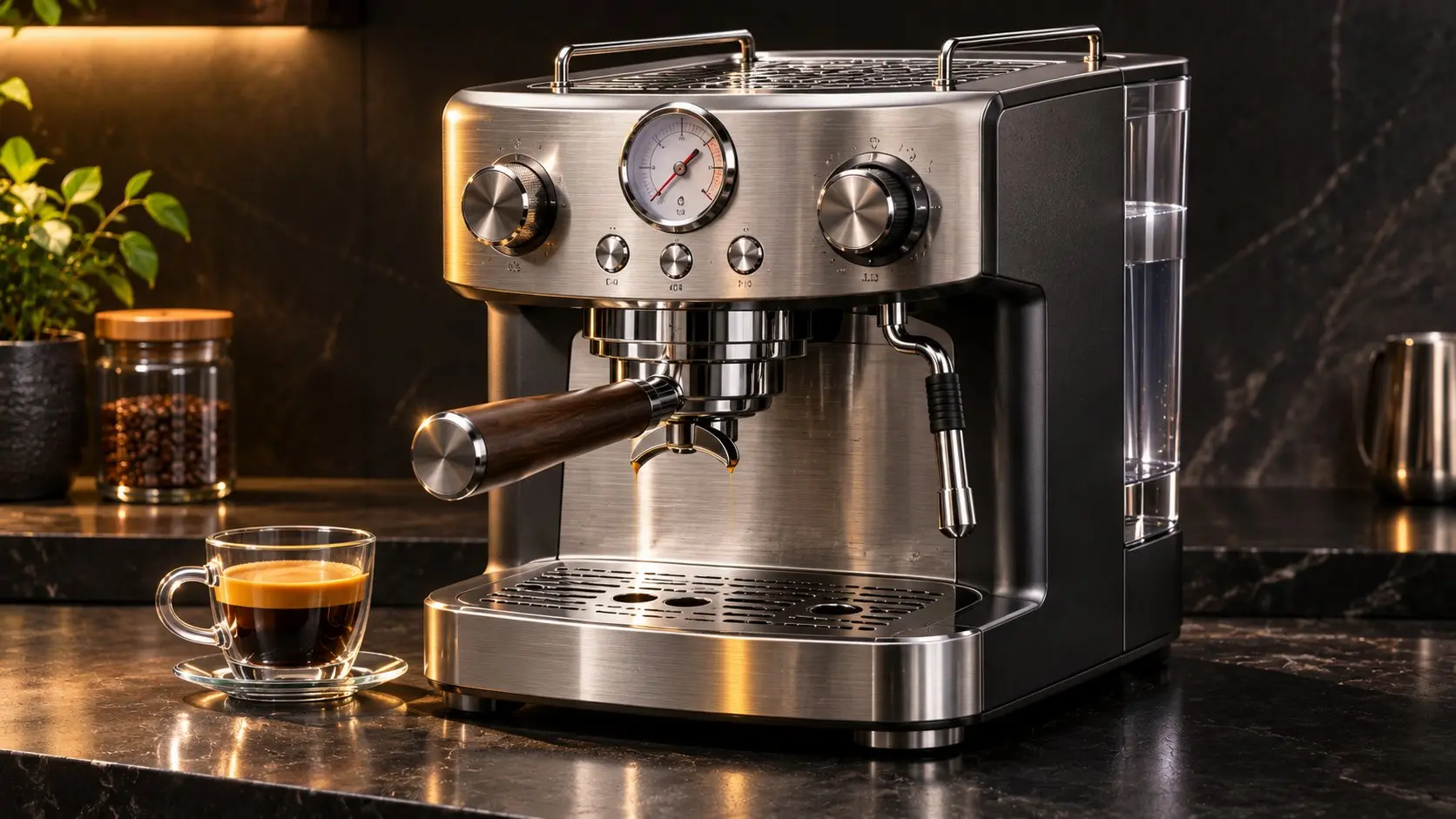
This espresso machine does not exist: GPT Image 2.6 designed it from one prompt. As the reference frame, it carried the same steel, gauge and counter through every shot of the ad.
Run GPT Image 2.6 Flare and Sunburst in your browser: stills up to 4K, looping GIFs, SVG vectors and markup edits. Sign in for 15 free credits, then turn any result into a video.
🚀 GPT Image 2.6 is live — Flare, Sunburst and Economy, GIF and SVG output, up to 4K.
Generate stunning images using cutting-edge AI models — with optional reference images
 GPT Image 2.6
Be specific about subject, style, and lighting.
0/5000Please login to try for FREE
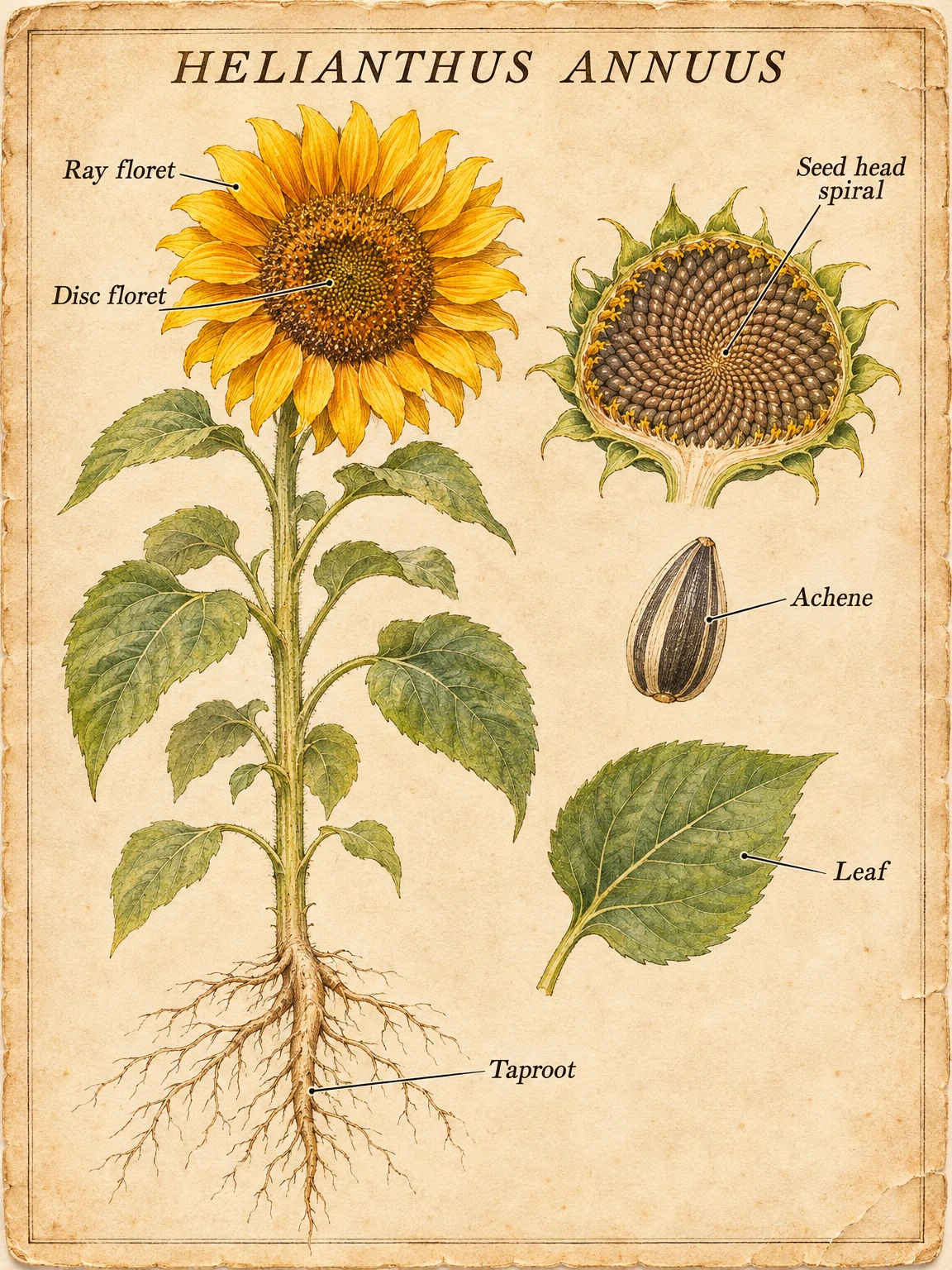
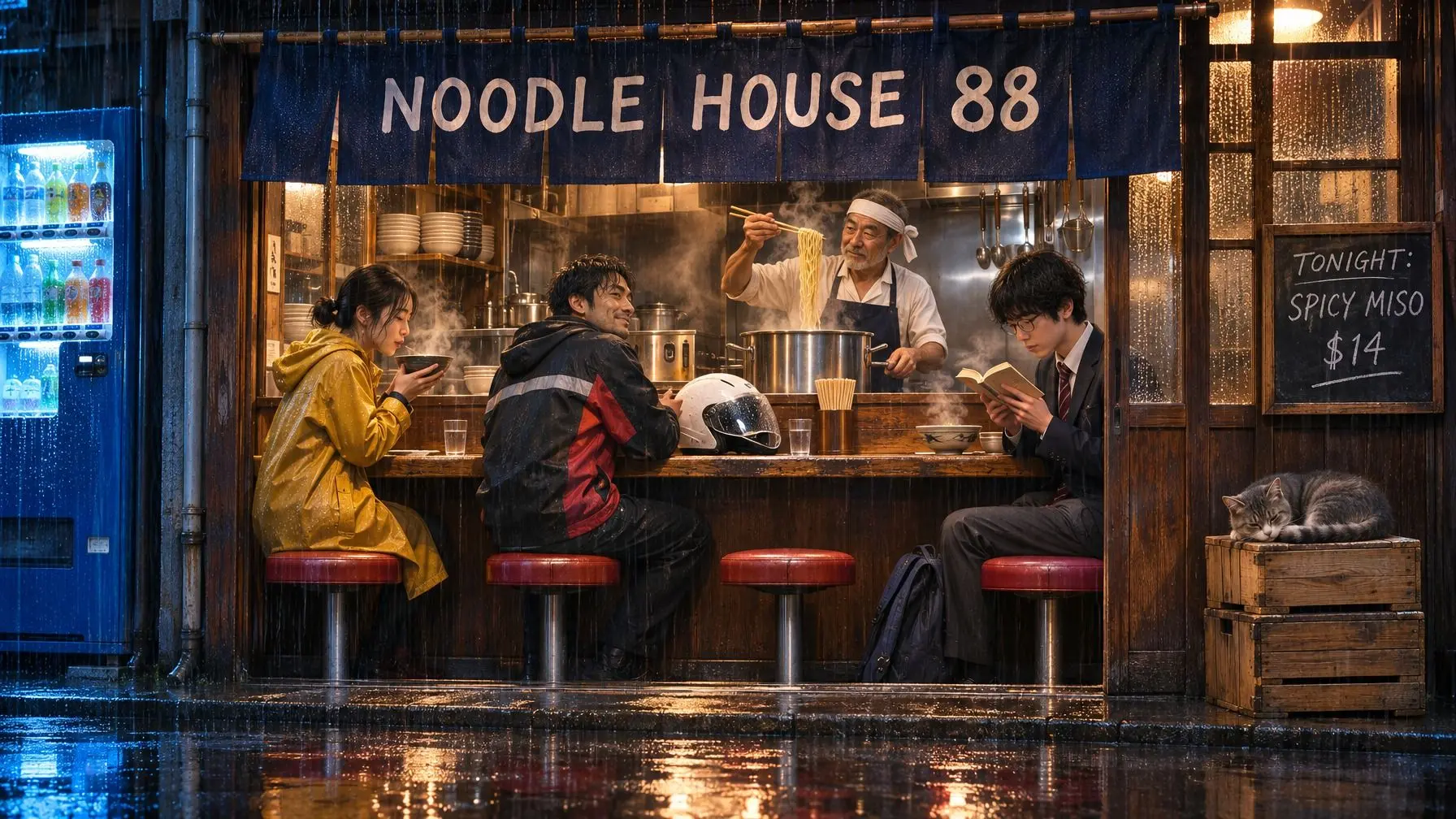
Seven pictures from the model's public example sets, each shown with the prompt that produced it. Load any of them into the generator above and make it yours.
Prompt
One model family and three ways to run it. Choose by the job, then load that mode into the generator with one click.
| Mode | Best for | Output | Sizes | Quality | References | From | Use this mode |
|---|---|---|---|---|---|---|---|
| Flare | Quick drafts, posters and product layouts | PNG, GIF, SVG | 1K to 4K, 15 ratios | 5 levels | Up to 16 | 2 credits | |
| Sunburst | Fine detail and edits that keep a subject steady | PNG, GIF, SVG | 1K to 4K, 15 ratios | 5 levels | Up to 16 | 2 credits | |
| Economy | Simple 1K pictures at a price that never moves | PNG, GIF | 1K, 7 ratios | Fixed | Up to 16 | 4 credits |
"From" is a 16:9 image at 1K and low quality. Flare and Sunburst cost the same credits at the same settings; Economy is one flat price.
Each card below is a control in the panel at the top of this page, live today.
Set the output to GIF and one prompt becomes a short loop of 2 to 16 frames, with a speed slider from 20 to 2,000 ms per frame.
Logos, icons and flat illustrations arrive as real vector paths that you can recolor in any editor and scale from favicon to shop sign.
Brush over an area of your photo or circle it, write what should change there, and the model is told to leave everything else alone.
Render at 1K, 2K or 4K in 15 aspect ratios, from 1:3 story strips to 3:1 banners, with a full 3840 x 2160 frame for 16:9 work.
Upload up to 16 photos in one request to combine products, characters and styles, or to carry one subject through a set of scenes.
Switch the background to transparent and the result is a PNG cutout, ready to drop onto a slide, a thumbnail or a video timeline.
Four controls sit between an idea and a finished file. Here they are, drawn as they look in the panel.
Name the subject, the setting, the style and any words that must appear, in quotes. Or load a prompt from the examples gallery.
Flare is the quick default for drafts and layouts. Sunburst takes longer over detail and steady edits. Economy is a flat-price 1K option.
Pick Image, GIF or SVG, then an aspect ratio and 1K, 2K or 4K. The credit cost on the Generate button updates with every change.
Save the finished file as it is, or press Turn into Video and the picture opens in the video generator as the first frame of your next clip.
A convincing first frame is half of a good clip. Get the picture right here, then hand it to a video model to move.
This espresso machine does not exist: GPT Image 2.6 designed it from one prompt. As the reference frame, it carried the same steel, gauge and counter through every shot of the ad.
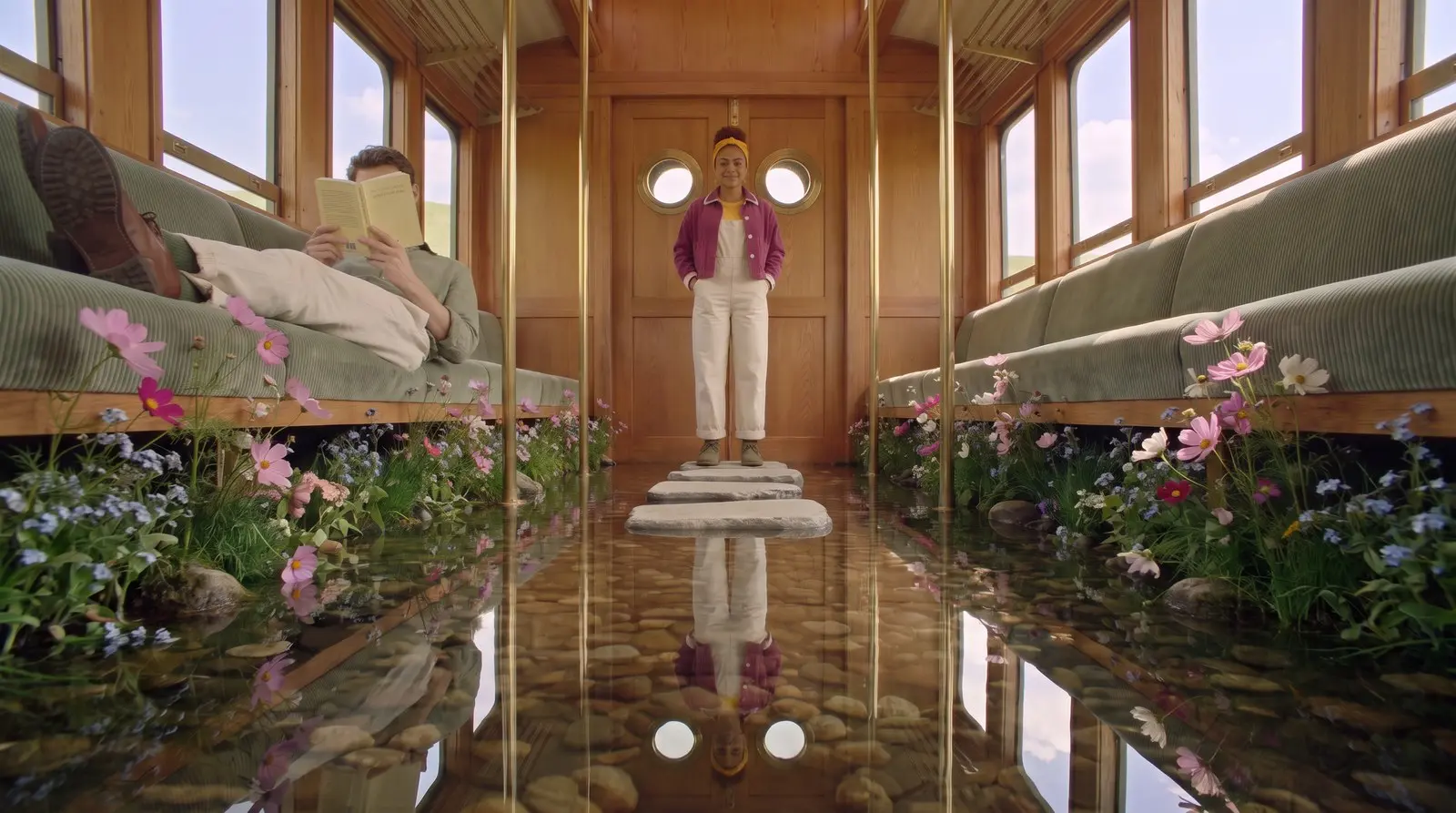
Four reference images went into this frame of a railcar aisle turned mirror pond. In motion the water ripples and the camera glides forward while character and set stay as drawn.
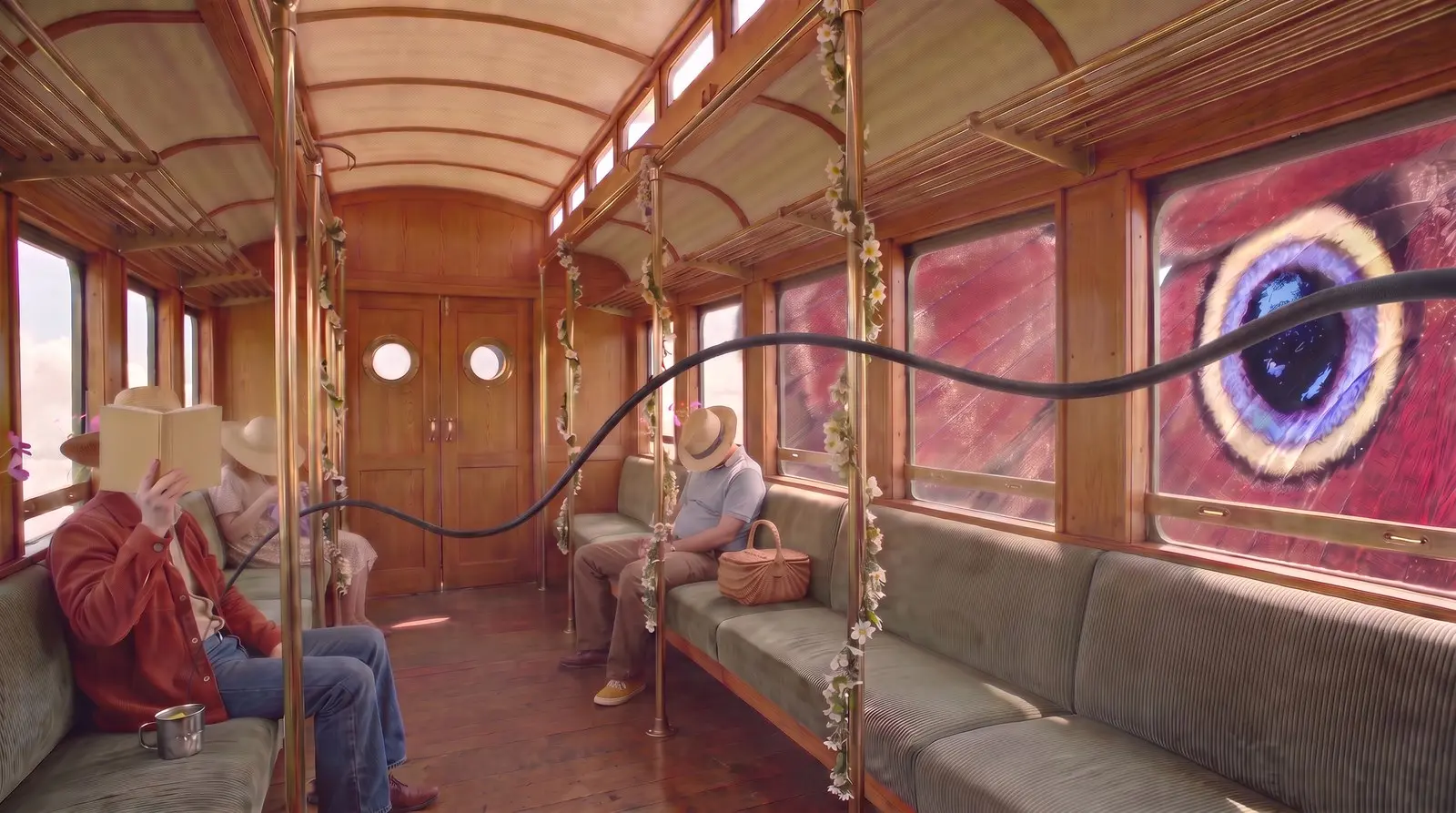
A butterfly the size of a railcar is easy to imagine and impossible to shoot. As a still it took a single edit prompt; as video the wing shifts at the glass and the car rides on above the clouds.
Every still you generate here has a Turn into Video button that opens it in the video generator as the first frame.
Open the Video GeneratorSix kinds of work the model handles in a single request: product sets, film stills, relit photos, concept worlds, food ads and poster art.
One candle, four seasons: blossom, lemon, pumpkin and frost. Upload the product once as a reference and GPT Image 2.6 rebuilds the set around it, so a shop gets spring and winter listings from one shoot.
A dark kitchen, a fridge door ajar, a figure waiting in the hallway. Describe the beat and the lighting and you get a frame that reads like cinema, ready to pin on a storyboard or hand to the video generator.
Every gear, spring and jewel of a dismantled watch stays exactly where it lay; only golden hour turns to moonlight. Sunburst is the mode for this kind of edit, where one thing changes and the rest must not.
A garlanded railcar drifting between grassy islands above a sea of cloud. Feed in location plates and sketches as references and the model keeps the design steady from one establishing shot to the next.
Lemon cake mid-crumble, zest hanging in the air, hard sunlight on a yellow wall. Flare turns a one-line brief into a campaign still quickly enough that ten flavors or ten colorways fit into one afternoon.
An orange commuter train in flat retro color, its reflection dissolving into print grain. Ask for a decade, a palette and a printing method, then add the headline in quotes and export at 4K for the print shop.
The numbers people look up most, taken from the API documentation and this generator's own limits.
Complexity, the planning setting in the API, is not a control in this generator; requests use the model default.
Explore more one-click AI video effects made for different moments and styles.
Credits can be used for video generation with multiple AI models including Seedance 2.5, Veo 3.1, and more.
Most popular for individual creators!
Includes
 Seedance 2.5
 Veo 3.1
 Grok Imagine
 Wan 2.5GPT Image 2.6
 Nano Banana 2.1
cancel anytime
Perfect for trying out.
Includes
Seedance 2.5Veo 3.1Grok ImagineWan 2.5GPT Image 2.6Nano Banana 2.1cancel anytime
Best for professional creators!
Includes
Seedance 2.5Veo 3.1Grok ImagineWan 2.5GPT Image 2.6Nano Banana 2.1cancel anytime

Short answers before you spend a credit
It is OpenAI's current model for generating and editing images, launched on November 4, 2026. ChatGPT and Codex call it Images 2.6, while the API offers two models: GPT-Image-2.6 Flare for fast iteration and GPT-Image-2.6 Sunburst for detailed work. This page runs both, no API key needed.
You can start without paying. A new account receives 15 credits, and a 16:9 picture at 1K and low quality costs 2, so the first several drafts are covered. After that, each image costs credits by size, quality and format, and the Generate button shows the exact price before you click it.
Both are GPT Image 2.6 and cost the same credits at the same settings. Flare is tuned for speed and is the default: use it for drafts, posters and product layouts. Sunburst spends longer on fine detail and suits edits where a face, a product or a logo has to stay the same from one round to the next.
Stay on Text to Image, set Output to GIF or SVG and describe the result. For a GIF, say what moves and how the loop ends, then pick 2 to 16 frames and a speed; frames are 512, 768 or 960 pixels square. An SVG comes back as editable vector paths, which suits logos and icons better than photos.
Yes. Flare and Sunburst render at 1K, 2K or 4K in 15 aspect ratios between 1:3 and 3:1, including 16:9, 9:16, 4:3, 3:2 and 21:9, or you can leave the ratio on Auto. A 16:9 picture at 4K measures 3840 x 2160 pixels. Economy renders at 1K only, in seven ratios, and transparent backgrounds are a separate switch.
The 2.6 release adds GIF output, SVG output and a complexity setting in the API; markup-guided edits work on both versions. OpenAI also describes faster generation, stronger layouts from Flare and steadier edits from Sunburst, at the same token rates. GPT Image 2.5 is still in the model menu here.
Images 2.6 is what this release is called inside ChatGPT, so GPT Image 2.6 and ChatGPT Images 2.6 are one family under two names. MAI Image 2.6 is unrelated: a separate image model from Microsoft that happens to share the version number. This page runs the OpenAI models, Flare and Sunburst.
Yes, on the Professional plan, which includes commercial use rights under our terms of service. Pictures made with free credits are for personal use only. Real people, brands and characters can appear in commercial work only when you hold the rights or permission, whichever mode made the image.
Start with a 2-credit draft, then take the keeper to 4K, a looping GIF or a video.