Black-and-White Portraits
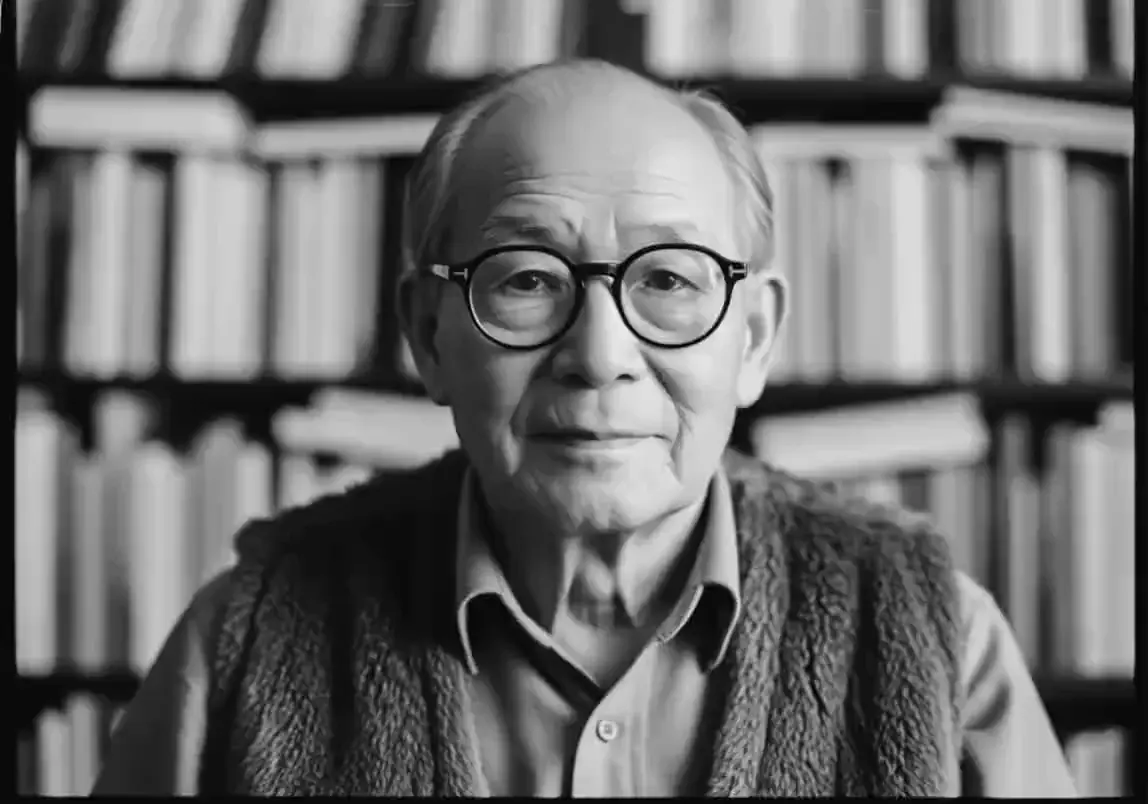
A grandfather in round glasses blinks, tips his head and smiles in his study. The photograph stays black and white from first frame to last.
Upload a photo, picture or image and pick a motion: portraits blink and smile, old family photos breathe, pets and landscapes move. An animate photo AI to try free online, with credits waiting when you sign in.
 Grok Imagine
✨ Please login to get free credits ✨
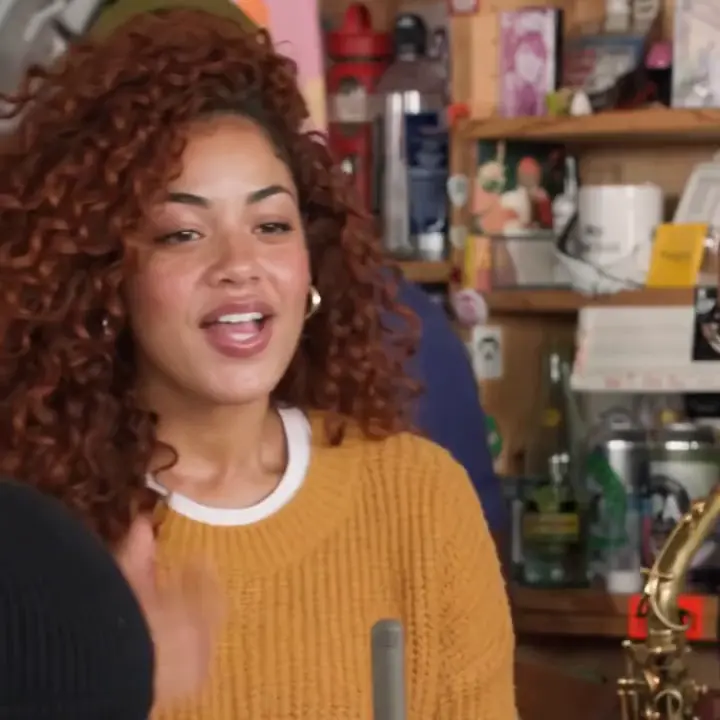
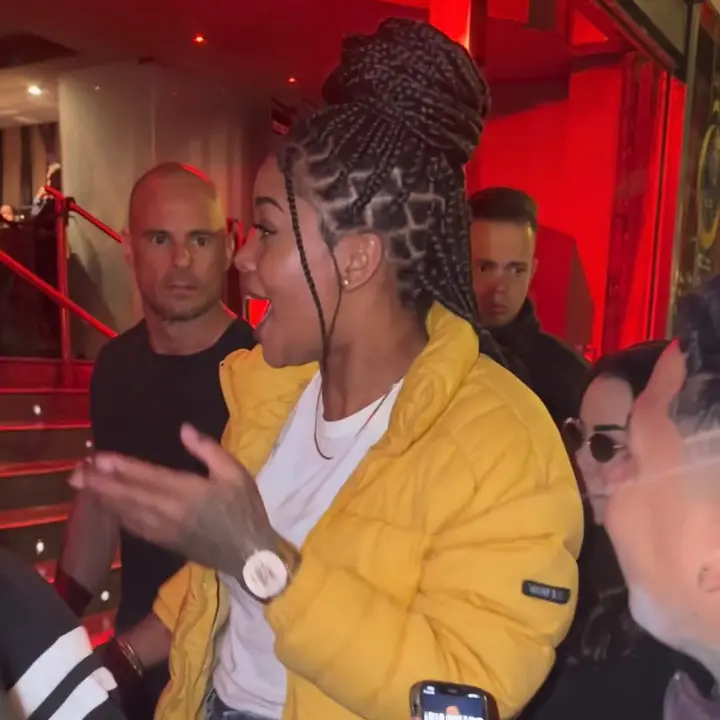
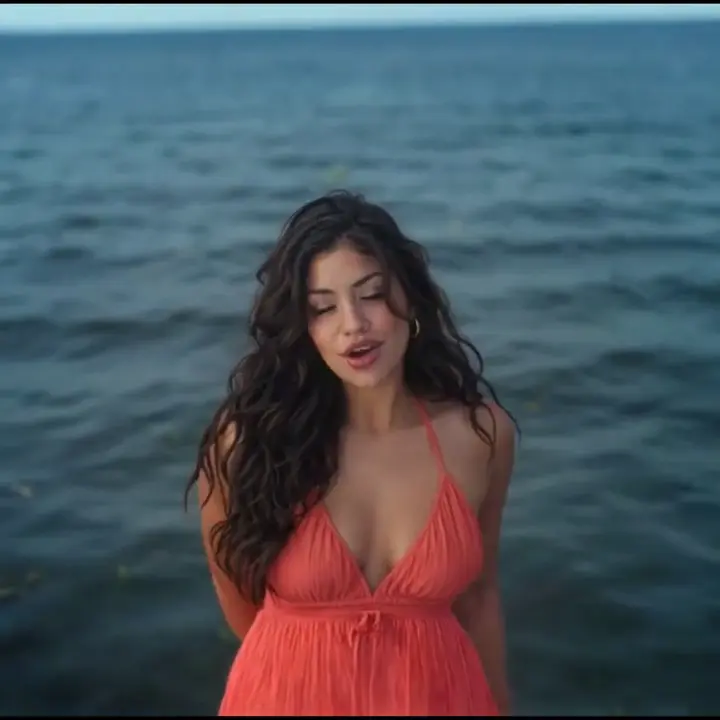
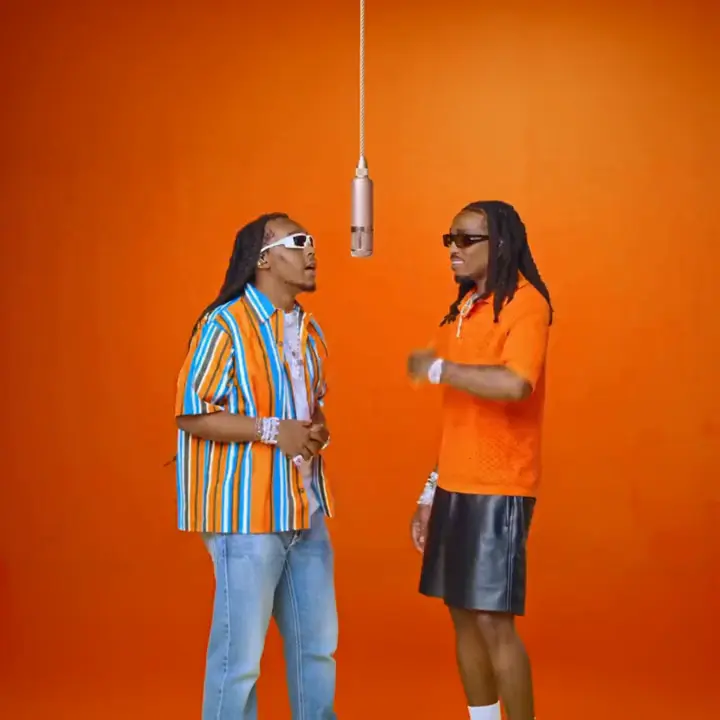
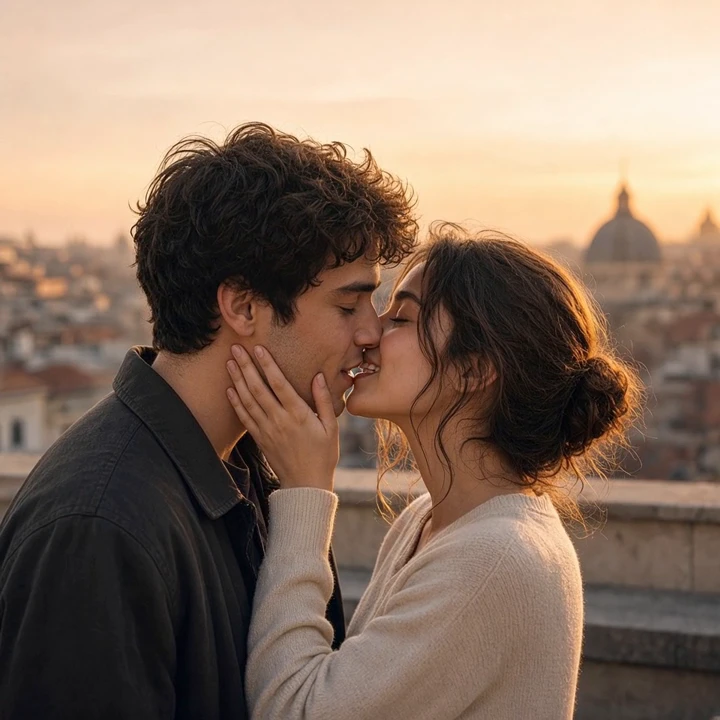
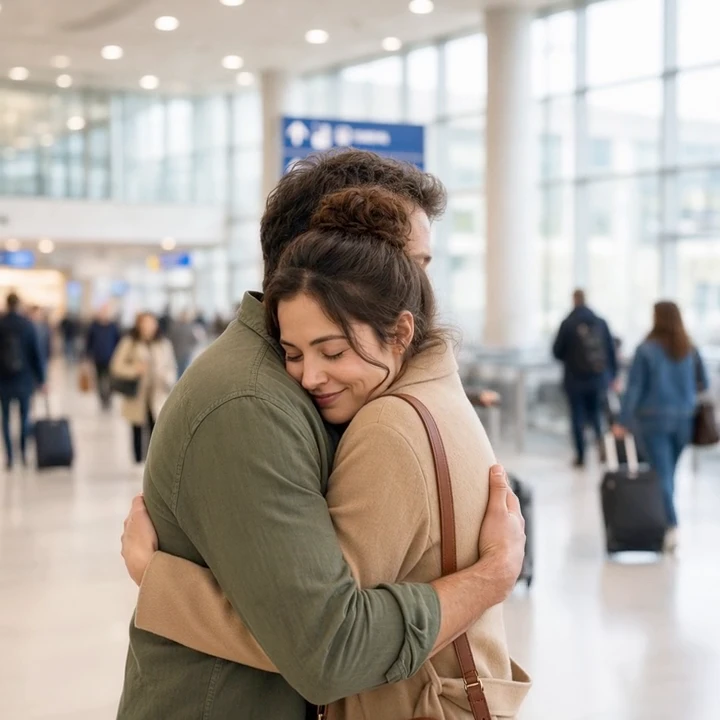
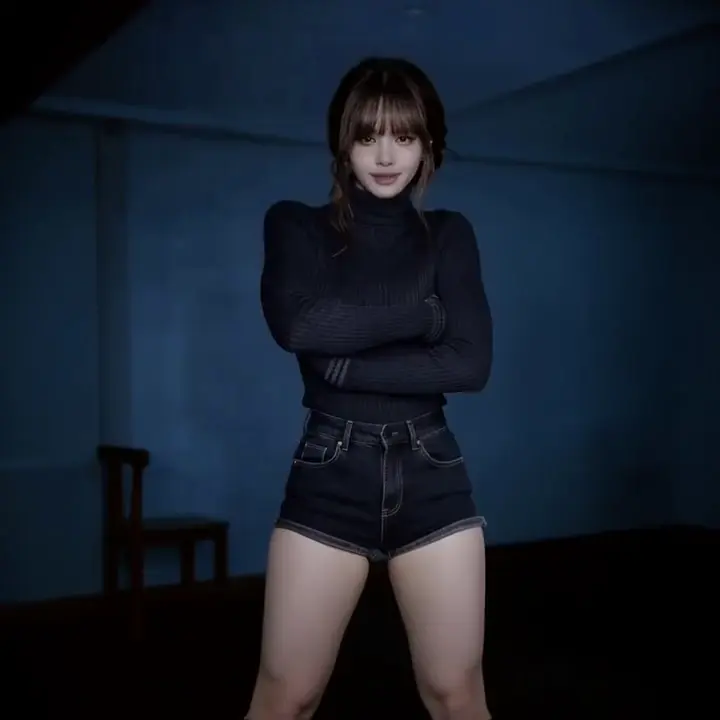
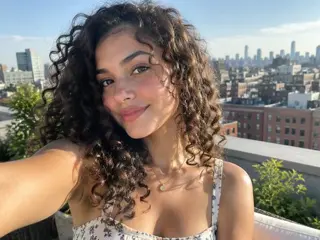
Six pictures, each beside the clip made from it. To animate an image of your own, open the type closest to it and the matching motion is selected for you.
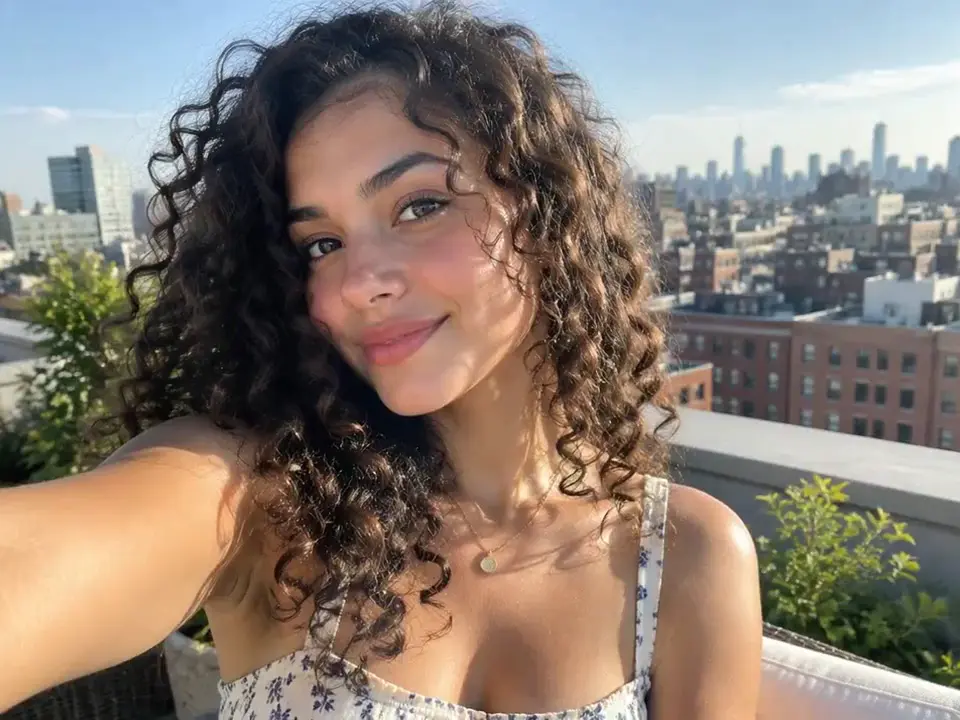
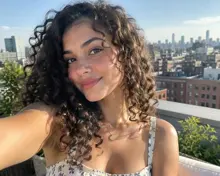
A rooftop selfie starts to breathe: she smiles wider and brushes a curl from her face while the skyline holds still. The Portrait motion adds blinks, a smile and a slight head turn, and keeps the face.
How to animate a picture for free in four steps, with no editing app to install and no prompt to write unless you want one.
Drop in a JPG, PNG, WEBP or HEIC: a portrait, an old print you photographed, a pet, a drawing. One clear subject animates best.
Portrait, Old Photo, Pet, Scenery, Group Photo or Artwork. Each one is a tested prompt, so you animate a picture without writing a word.
Grok Imagine is selected and runs on free credits. Wan 3.0 goes up to 1080p, and Seedance 2.0 Mini and Veo 3.1 open with a paid plan.
The clip is ready in about a minute. Play it on the page, download the MP4, or run the same photo again with a different motion.
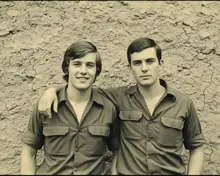
Black-and-white portraits, sepia prints and faded color snapshots keep their look. Only the people in them start to move.
A grandfather in round glasses blinks, tips his head and smiles in his study. The photograph stays black and white from first frame to last.
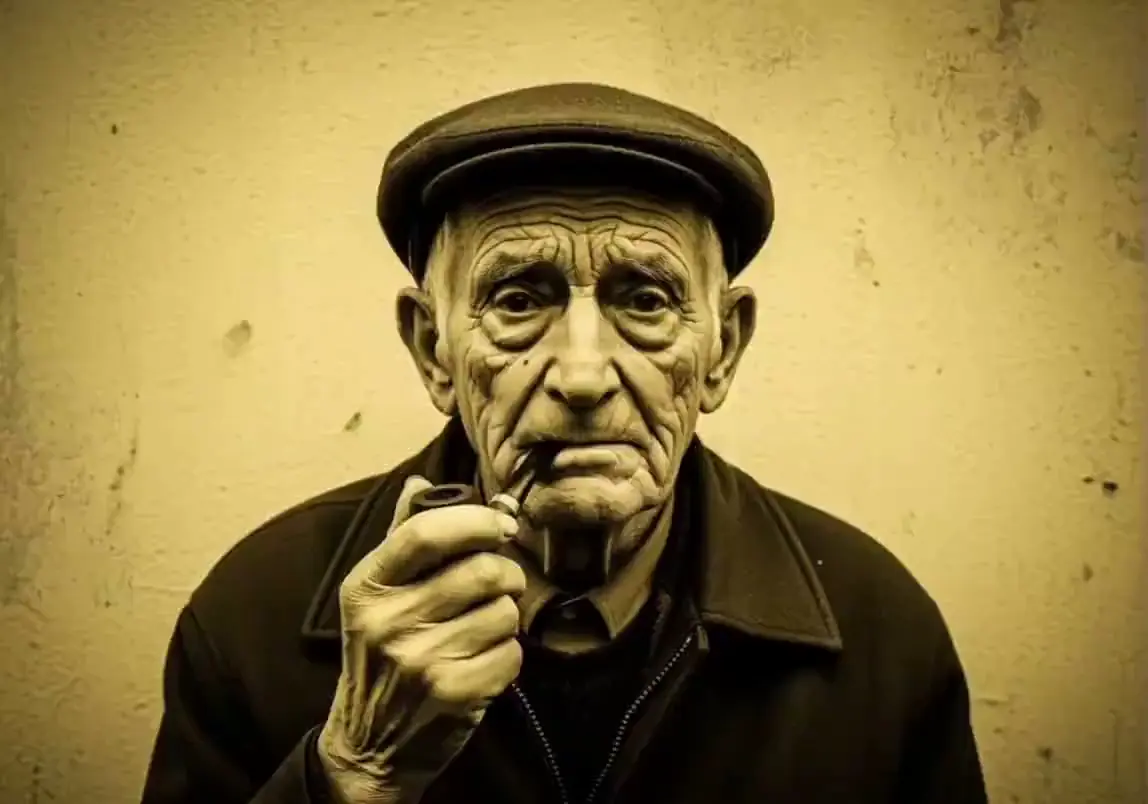
An old man in a flat cap lowers his pipe and grins at the lens. The yellowed tone of the print is kept as it is, with no recoloring.
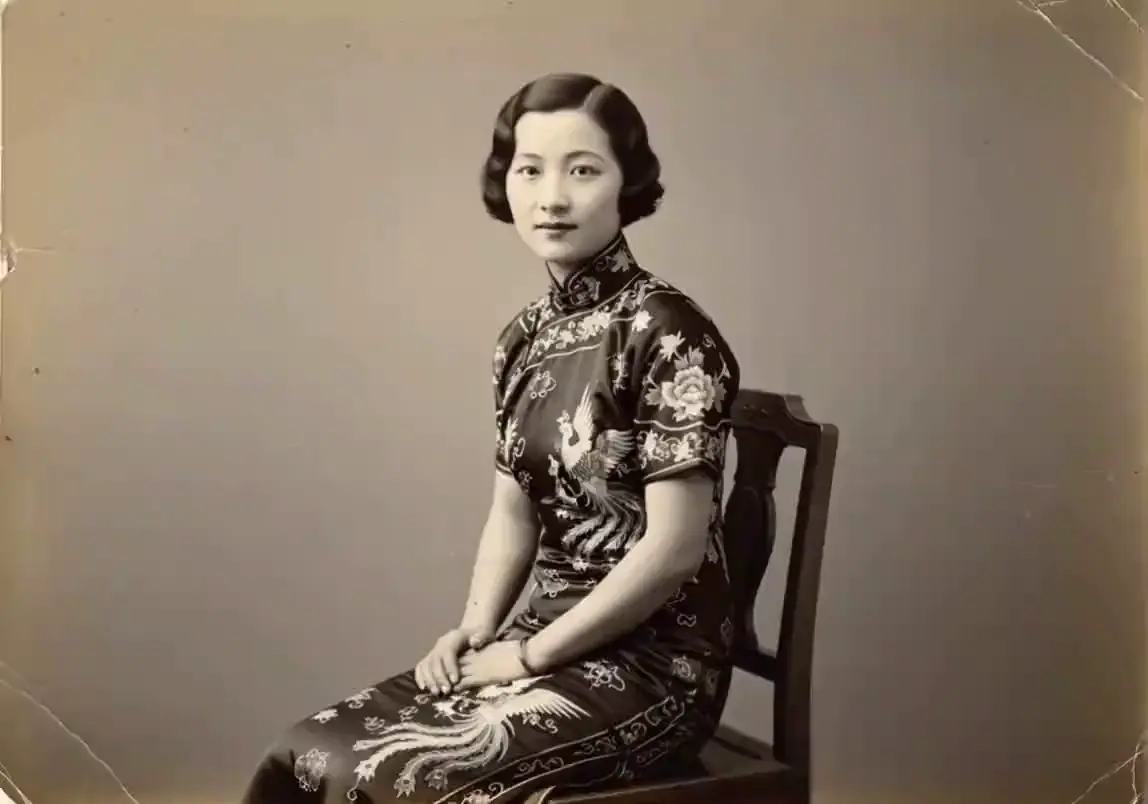
A seated woman in a 1930s studio photo looks down, then lifts her head and smiles. Her pose, dress and the painted backdrop do not change.
Photograph or scan the print straight on, crop away the album page and upload it as it is. If it is scratched, torn or badly faded, repair a copy first and animate the clean version.
One tool for photos, pictures, drawings and AI images, with the controls a free image animator usually hides.
Six tested motions cover portraits, old photos, pets, scenery, groups and artwork. Pick one and the AI photo animator writes the prompt for you.
Every preset tells the model to keep faces, clothing and background as they are, so the person in the clip is still the person in the photo.
Use it as an AI picture animator for drawings, paintings, product shots and AI images, not only camera photos. The Artwork motion keeps the style.
Clips come with ambient sound that fits the scene, such as waves, wind or a quiet room, so a picture that moves does not play in silence.
Start on Grok Imagine, switch to Wan 3.0 for 1080p, or use Seedance 2.0 Mini and Veo 3.1 on a paid plan. One credit balance covers them all.
Choose Custom to describe the motion yourself: a wave, a wink, a slow zoom, falling snow. Write one or two short sentences and generate.
Six ways people add motion to an image, from the family album to the product page.
Bring a late grandparent's portrait into a memorial slideshow or an anniversary video. A blink and a small smile add motion to an image the family already knows by heart.
Scan the shoebox prints and make an image animated for a reunion or a big birthday. Parents, kids and the baby in the stroller each get a movement of their own.
Turn the engagement shot or a holiday picture into a few seconds of the day itself: a look, a laugh, a hug. Send the clip on your anniversary in place of a card.
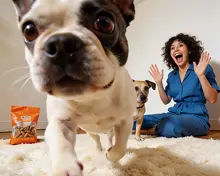
Make a picture move when the subject never sits still for video. Cats blink, dogs tilt their heads, and zoo and wildlife shots get back the motion you watched in person.
Add animation to an image you already use on a listing: light slides over glass, mist drifts, fabric shifts. A still pack shot becomes a short loop for ads and social posts.
Waterfalls run, clouds roll over the ridge and grass bends in the wind. A landscape photo turns into a living postcard for a story, a reel or a screen at home.
Explore more one-click AI video effects made for different moments and styles.
Credits can be used for video generation with multiple AI models including Seedance 2.5, Veo 3.1, and more.
Most popular for individual creators!
Includes
 Seedance 2.5
 Veo 3.1Grok Imagine
 Wan 2.5
 GPT Image 2.6
 Nano Banana 2.1
cancel anytime
Perfect for trying out.
Includes
Seedance 2.5Veo 3.1Grok ImagineWan 2.5GPT Image 2.6Nano Banana 2.1cancel anytime
Best for professional creators!
Includes
Seedance 2.5Veo 3.1Grok ImagineWan 2.5GPT Image 2.6Nano Banana 2.1cancel anytime

What to know before you animate your first picture
Yes. Sign in and you get 15 free credits, enough for two 6-second clips on the default model. After that, credits come with a plan or a one-time pack. Clips from the default model download without a watermark.
No. Generating needs an account, because every clip is rendered on paid AI models and saved to your history. Signing in with Google takes a few seconds, and the free credits are added right away.
ChatGPT itself makes and edits still images. Motion comes from video models such as Grok Imagine, Seedance, Wan and Veo. This page runs four of them behind one upload box, with motion presets in place of prompt writing.
A sharp, well-lit picture with one clear subject. Faces should be visible, not hidden by sunglasses or hands. Half-body shots leave room for movement, while very small faces in a wide shot tend to blur.
Yes. Any JPG, PNG, WEBP or HEIC works, so you can animate your picture whether it is a sketch, a painting, an anime frame or AI art. Choose the Artwork motion and the clip keeps the original line work and colors.
The presets tell the model to keep faces, clothes and background unchanged. Large head turns are where a likeness drifts, so ask for small movements, and rerun a clip or try another model if a face looks off.
Upload a picture, pick a motion and watch it start to move.