
Free Text to Video AI Generator
Describe the scene, pick a model, generate. Text to video AI with native sound and one-take clips up to 30 seconds, powered by Seedance 2.5, Veo 3.1 and Wan 3.0. No footage, no upload, no editing app.
 Seedance 2.0 Fast
Note: Images will be used as reference materials to guide the video generation.
Upload up to 3 reference audio clips to guide audio generation.
✨ Please login to get free credits ✨
Text to Video AI Examples With Their Prompts
Eight finished clips, each with the exact prompt and model that made it. Pick one, load it into the generator, change what you like and run it.
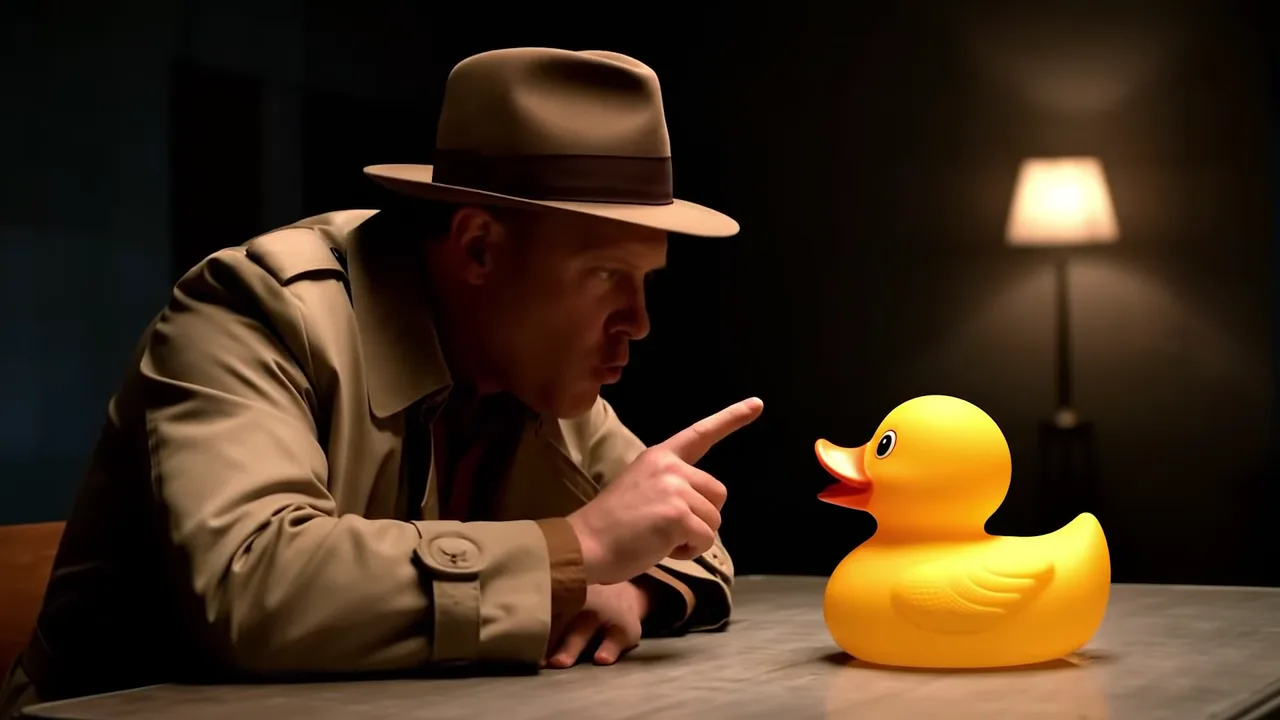
The Rubber Duck Interrogation
- Veo 3.1
- 8s
- 16:9
Prompt
Make a Text to Video AI Clip in 4 Steps
No footage to shoot and nothing to upload. One prompt goes in, a finished MP4 with sound comes out.
Write the Prompt
Describe the subject, what happens, how the camera moves and what the viewer hears, with dialogue in quotes. Or load a gallery prompt.
Pick a Model
Seedance 2.5 for long one-take scenes, Veo 3.1 for dialogue and sound effects, Seedance 2.0 Fast for cheap drafts, Wan 3.0 for quick realistic shots.
Set Length and Ratio
Choose 16:9, 9:16, 1:1 or 21:9 and a length from 4 to 30 seconds, depending on the model, then 480p for a quick test or a sharper setting for the final.
Generate and Download
The clip renders in a few minutes, plays back in the generator and downloads as an MP4. Every run stays in your history, ready to rerun later.
Which Text to Video AI Model to Use
Five models share the same prompt box. Pick by what the shot needs, then switch with one click.
| Model | Best for | Length | Aspect ratios | Up to | From | Use this model |
|---|---|---|---|---|---|---|
| Seedance 2.5 | Long scenes with several beats, timed second by second | 4 to 30s | 16:9, 9:16, 1:1, 4:3, 3:4, 21:9 | 1080p | 28 credits | |
| Veo 3.1 | Spoken dialogue and sound effects that land on cue | 8s | 16:9, 9:16 | 4K | 15 credits | |
| Seedance 2.0 Fast | Cheap first drafts and testing a prompt | 4 to 15s | 16:9, 9:16, 1:1, 4:3, 3:4, 21:9 | 720p | 12 credits | |
| Wan 3.0 | Quick realistic product, food and motion shots | 2 to 30s | 16:9, 9:16, 1:1, 4:3, 3:4 | 1080p | 6 credits | |
| Seedance 1.5 Pro | Close-ups of one person singing or speaking | 4, 8 or 12s | 16:9, 9:16, 1:1, 4:3, 3:4, 21:9 | 1080p | 8 credits |
Every model generates sound with the picture. "From" is the cheapest setting: the shortest clip at the lowest resolution.
How to Write a Text to Video AI Prompt
A strong prompt covers four parts. Here is one broken down: point at a part to see its words, then run the whole prompt yourself.
- Veo 3.1
- 8s
- 16:9
A detective in a rumpled trench coat sits at a steel table in a bare interrogation room at night, a yellow rubber duck facing him. He leans in, taps the table twice and asks, "Where were you on the night of the bubble bath?" The duck squeaks once. Slow push in from a low angle, one hard lamp overhead, deep shadows on the walls. Audio: a buzzing fluorescent tube, knuckles on steel, a nervous squeak. Film noir look, heavy grain, no score.
Subject and Setting
Who or what is in the frame, what they wear, where they are and when. "A detective in a trench coat at a steel table" gives the model far more than "a detective".
Action in Order
Say what happens and in what order, with dialogue in quotes. For clips over 10 seconds, add timestamps such as "0 to 6s" and Seedance 2.5 keeps each beat in place.
Camera and Light
Name the shot and the move: a slow push in, handheld at chest height, a locked low angle. Then name the light source, such as one hard lamp, sodium streetlights or golden hour.
Sound and Style
List what the viewer hears, from ambience to effects, and say "no score" to keep music out. Close with the look: film noir, anamorphic, cel animation, film grain.
Text to Video AI for Every Kind of Clip
Six clips made from a prompt alone: an ad, a drama scene, a stage show, a documentary, a game shot and a fashion film.
Product Ads
A sprinter in unbranded kit, a stadium at night and silence the moment the gun fires. Describe the product beat that sells it, and text to video AI writes the sound too.
Short Film Scenes
Two old friends at closing time in a neighborhood barbershop, in one paragraph. The characters, the warm light and the small talk hold across a 28-second take.
Music Visuals
A Peking opera stage in full costume, with drums and strings generated alongside the movement. Describe the performer, stage and mood, and the music follows.
Explainers and Lessons
Cormorant fishing on the Nagara River by firelight, shot like a documentary. Turn a paragraph about a craft, place or tradition into a clip that shows it on screen.
Game Cinematics
A hoverboard chase through a night market with three security drones, in a 3D feature look. Describe the world, the hero and the camera move to get a trailer-grade shot.
Fashion and Art Films
A white studio, a grid of light and a line of models in pale tailoring. Write the set, the garments and the camera path, and get an editorial film for a lookbook or a reel.
Why Use Our Text to Video AI Generator
The strongest current models behind one prompt box, with the settings each clip was made with one click away.
Five Models, One Prompt
Seedance 2.5, Veo 3.1, Seedance 2.0 Fast, Wan 3.0 and Seedance 1.5 Pro share one prompt box. Write once, switch the engine and compare the results side by side.
30 Seconds in One Take
Most text to video AI tools stop at 5 or 10 seconds. Seedance 2.5 writes a whole scene with shot changes in a single pass, so a story does not need stitching.
Sound Comes Built In
Every model here generates audio with the picture: dialogue in quotes, sound effects on the action and ambience under it. No silent clips to score later.
Prompts You Can Start From
The gallery loads a working prompt with its model, length and ratio into the generator. Change one line and run it instead of staring at an empty box.
Every Ratio, Up to 4K
Vertical 9:16 for Reels, 16:9 for YouTube, square for feeds and 21:9 for a cinematic look, with 1080p on Seedance 2.5, 1.5 Pro and Wan 3.0, and 4K on Veo 3.1.
Free Credits to Start
Sign in to get 15 free credits, enough for one 5-second Seedance 2.0 Fast clip or one Veo 3.1 Fast clip. Paid plans then add more credits and commercial use rights.
Text to Video AI, by the Numbers
what one prompt gets you
Longest Clip
30s
one take on Seedance 2.5
Models
5
switchable from the same prompt
Top Resolution
4K
on Veo 3.1, MP4 with sound
More AI Video Generators
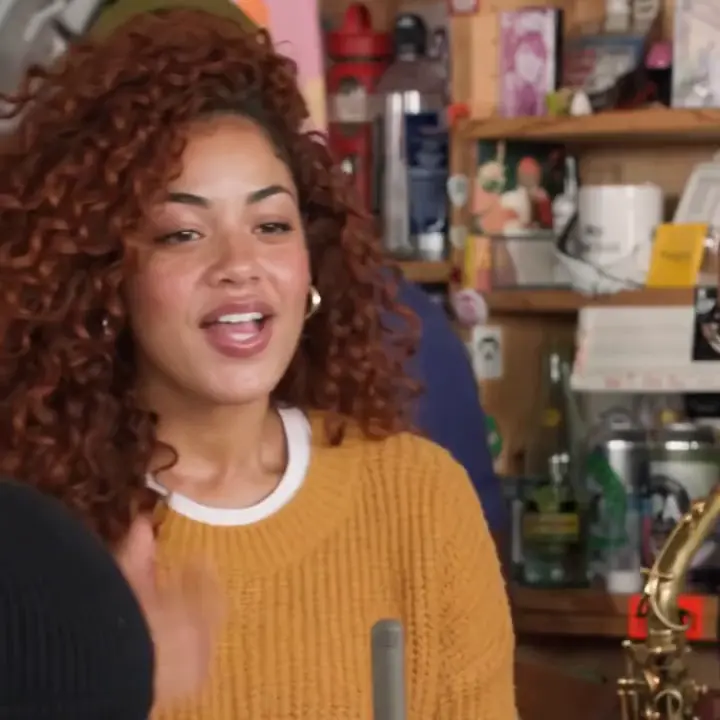
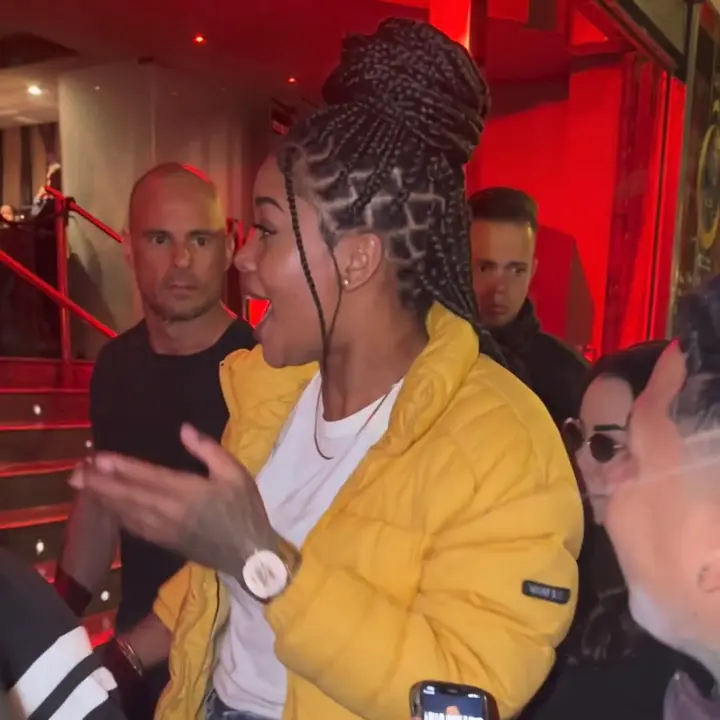
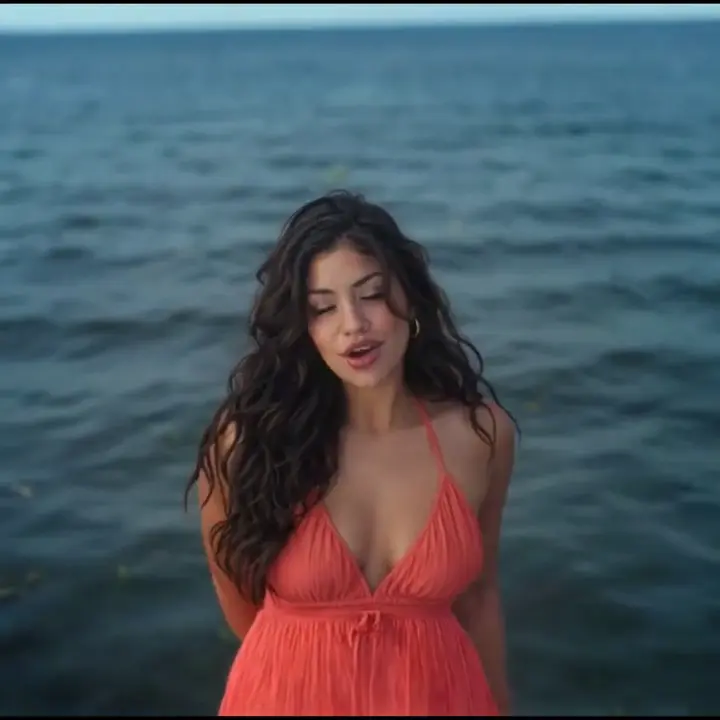
Explore more one-click AI video effects made for different moments and styles.
Pricing
Credits can be used for video generation with multiple AI models including Seedance 2.5, Veo 3.1, and more.
700 Credits
Most popular for individual creators!
Includes
- 700 credits / month
- Credits never expire
- 4K Video Resolution
- Text/Image to Video:Seedance 2.5
 Veo 3.1
 Grok Imagine
 Wan 2.5
 - Text/Image to Image:
 GPT Image 2
 Nano Banana 2
 - No Watermark
- Private Generation
- Commercial License
cancel anytime
400 Credits
Perfect for trying out.
Includes
- 400 credits / month
- Credits never expire
- 4K Video Resolution
- Text/Image to Video:Seedance 2.5Veo 3.1Grok ImagineWan 2.5
- Text/Image to Image:GPT Image 2Nano Banana 2
- No Watermark
- Private Generation
- Commercial License
cancel anytime
1500 Credits
Best for professional creators!
Includes
- 1500 credits / month
- Credits never expire
- 4K Video Resolution
- Text/Image to Video:Seedance 2.5Veo 3.1Grok ImagineWan 2.5
- Text/Image to Image:GPT Image 2Nano Banana 2
- No Watermark
- Private Generation
- Commercial License
- Priority Support
cancel anytime
FAQs About Text to Video AI
What to know before you write the first prompt
Is the text to video AI free?
You can start free: signing in gives you 15 credits, enough for a 5-second Seedance 2.0 Fast clip or one Veo 3.1 Fast clip. After that, each clip costs credits by model, length and resolution. The model table above lists the cheapest setting for each one.
How long can a text to video AI clip be?
It depends on the model. Seedance 2.5 and Wan 3.0 render up to 30 seconds in one take, Seedance 2.0 Fast 4 to 15, Seedance 1.5 Pro 4, 8 or 12, and Veo 3.1 is fixed at 8. For a longer story, generate scene by scene and cut them together.
Which text to video AI model is best?
For several beats or anything over 10 seconds, Seedance 2.5. For dialogue and sound on cue, Veo 3.1. For a cheap draft, Seedance 2.0 Fast. For a realistic product or food shot, Wan 3.0. For a singing or speaking close-up, Seedance 1.5 Pro.
Can ChatGPT do text to video?
No. ChatGPT writes and reasons but does not render video. It is a good place to draft a prompt though: ask it for the subject, action, camera, light and sound of your shot, then paste the result into the generator here and pick a model.
Does the video include sound?
Yes. All five models generate audio together with the picture. Put dialogue in quotes to have a character say it, and describe effects and ambience in an Audio line, as the gallery prompts do. Write "no score" if you want to add music yourself.
How do I write a good text to video AI prompt?
Cover four things: subject and setting, action in order, camera and light, sound and style. For clips over 10 seconds, add a timestamp to each beat. Start from a gallery prompt and change one part at a time to learn what each line does.
What is the difference between text to video and image to video?
Text to video builds the whole shot from your description alone. Image to video animates a photo you upload, which keeps a specific face, product or place exact. Our homepage covers image to video; this page is prompts only.
Can I generate text to video without a watermark?
Yes. Seedance 2.5, Seedance 2.0 Fast, Seedance 1.5 Pro and Wan 3.0 export clean MP4s on every plan, free credits included. Only Veo 3.1 Fast adds a watermark on free accounts; Veo 3.1 Pro and paid plans remove it.
What languages can the prompt be in?
English prompts give the most predictable results across all five models. Dialogue lines can be in other languages inside quotes: the Spanish boxing clip in the gallery shows Seedance 2.5 lip-syncing a Mexican Spanish exchange.
Can I use the clips in ads or client work?
Yes, on the Professional plan, which includes commercial use rights under our terms of service. Free-credit clips are for personal use only. Real people, brands and characters can appear in client work if you hold the rights or permission.
Try the Text to Video AI Generator Now
One prompt, one model, a clip with sound in minutes. Start from a gallery example or write your own.