
AI Dance Video Generator
Make any photo dance. Upload a full-body picture, choose a dance template or upload your own clip, and Kling Motion Control copies every move onto the person in your photo — generated in minutes.
 Kling 2.6 Motion Control
Click to upload or drag and drop
Formats: jpg, webp, png (optional)
Upload Video
The person in your photo will copy this clip's moves
✨ Please login to get free credits ✨
Make an AI Dance Video
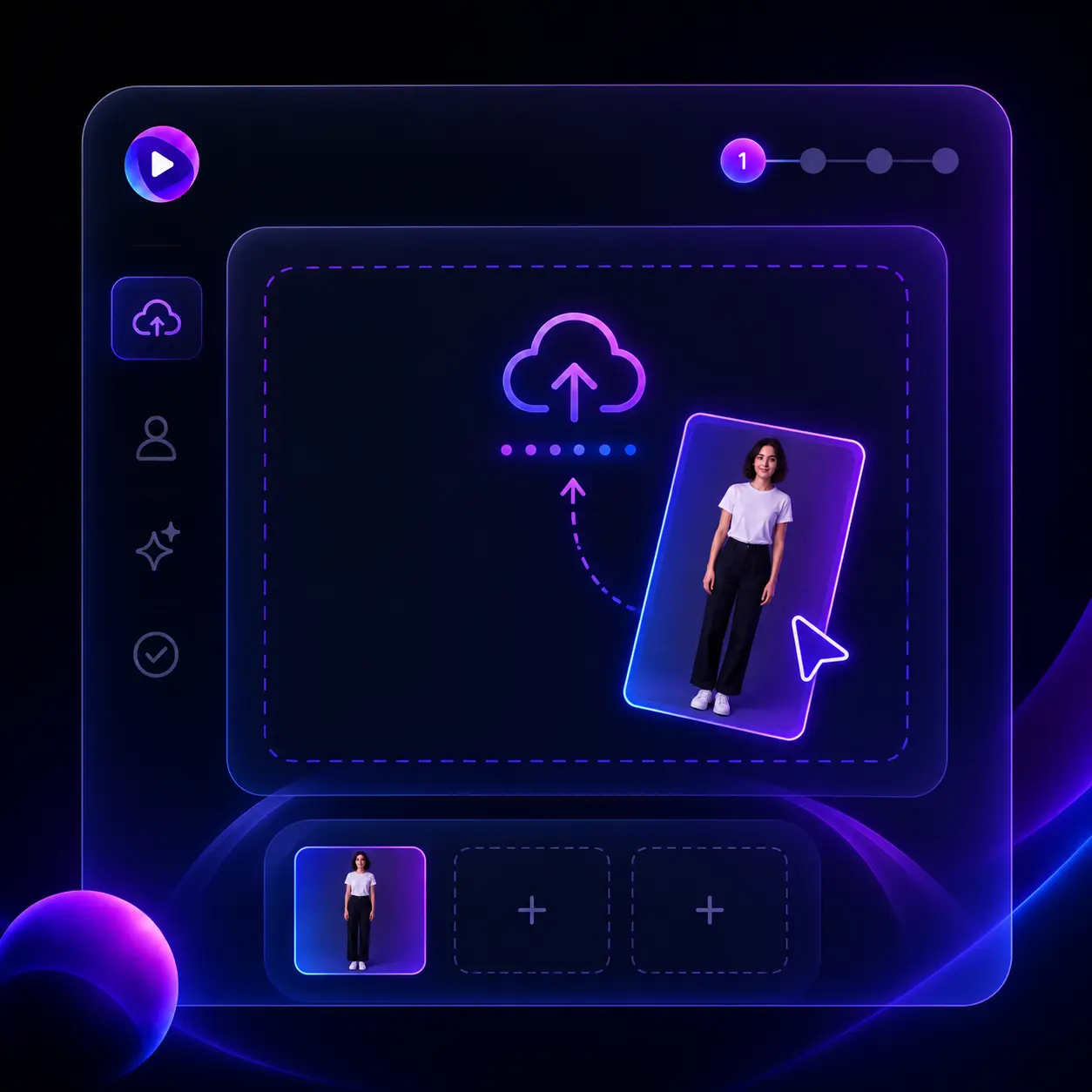
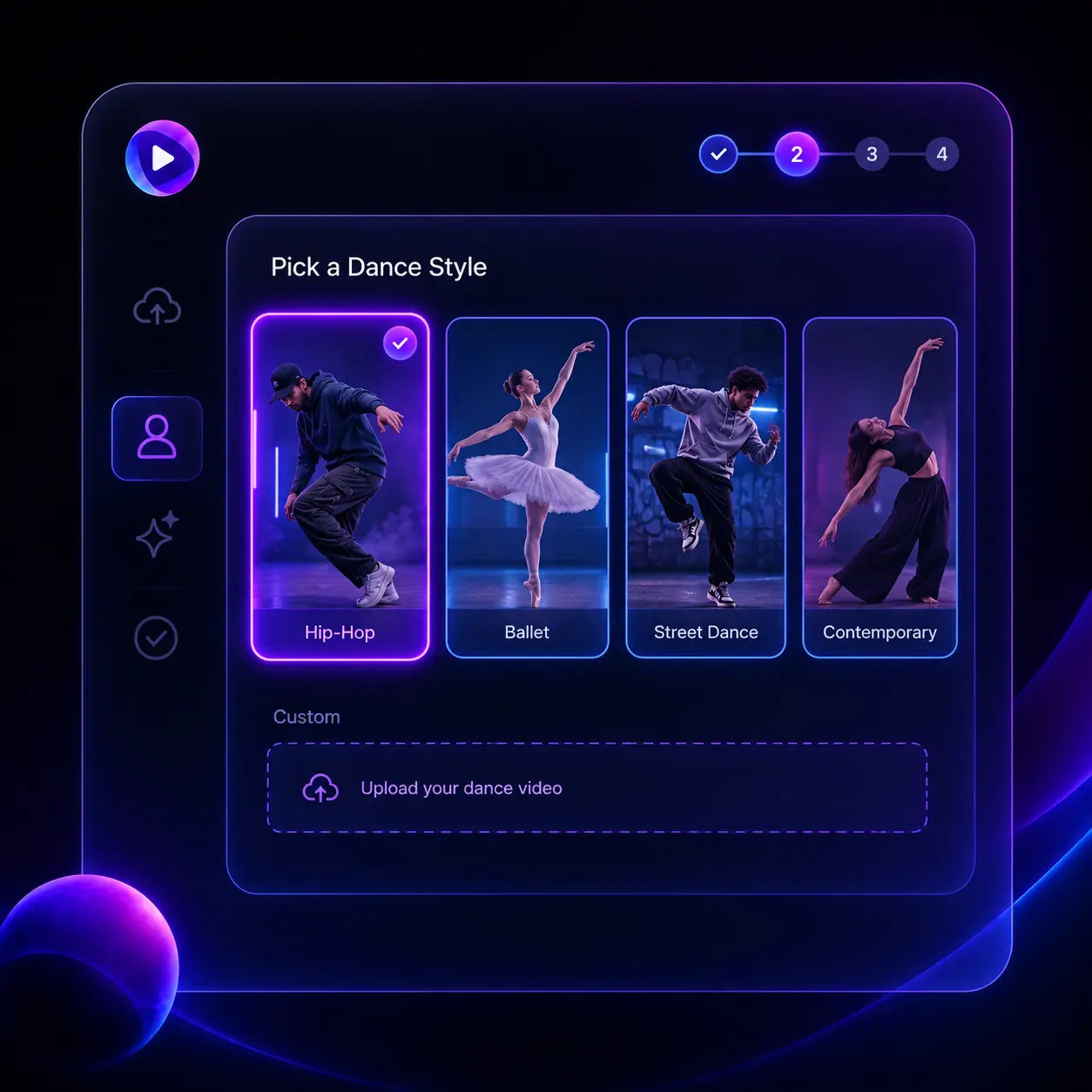
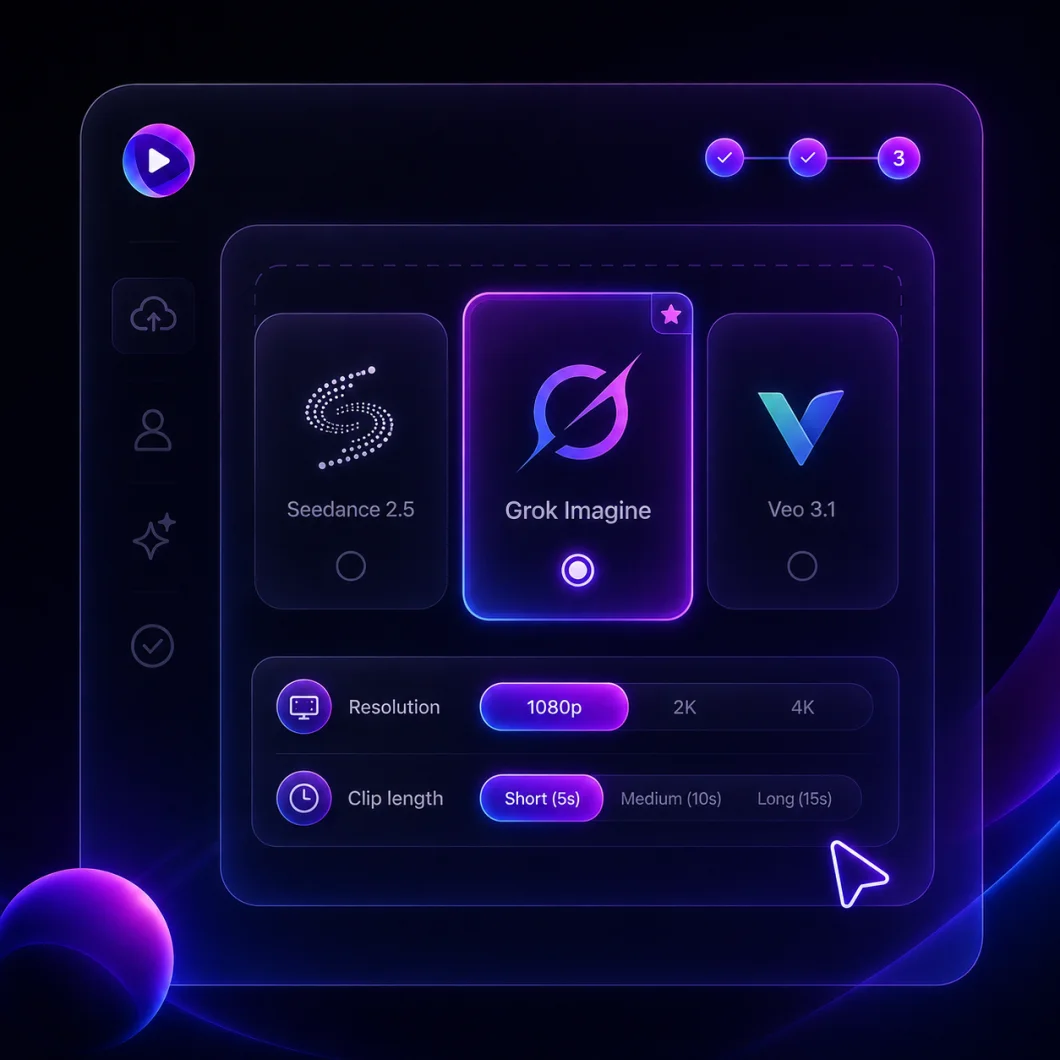
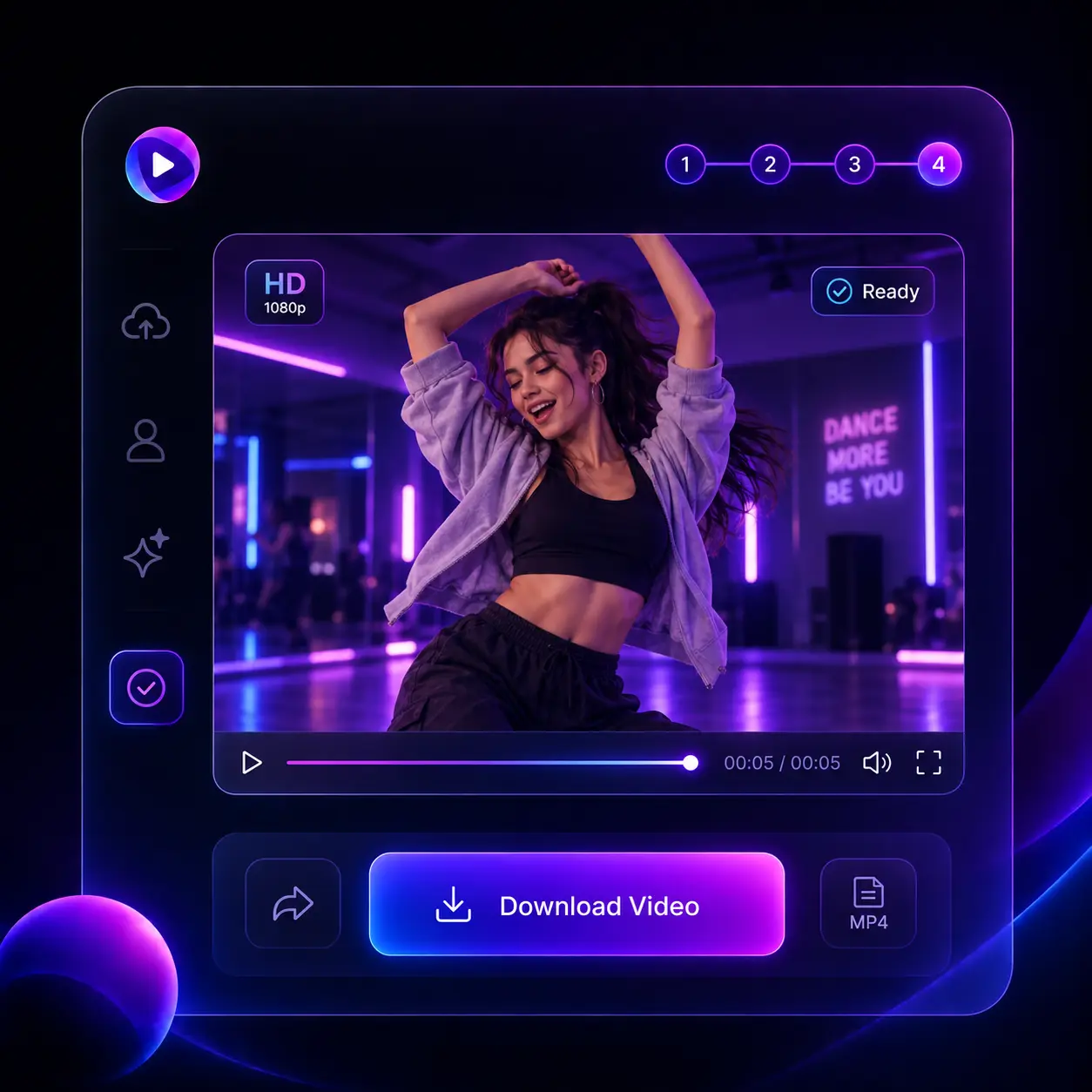
No dance skills, no editing. The AI dance video generator takes you from a still photo to a finished routine in four steps.
Why Use Our AI Dance Video Generator
Motion transfer built for dance: real choreography, your face, no editing.
Moves from Real Dancers
Every move comes from a real dance clip, so the timing, footwork and arm lines all land the way a dancer performs them, not a guess from a text prompt.
Your Face Stays Yours
Identity, hairstyle and outfit are carried through the whole routine. The person dancing at the end of the clip is still the person from your photo, unchanged.
Bring Your Own Dance
Upload any 3–30 second dance video — a TikTok trend, a K-pop cover, a routine you filmed — and the AI dance generator maps every move onto your photo.
Any Character Can Dance
Selfies, kids, anime characters, mascots and 3D avatars all work here. If it has a body, the AI dance video generator can make it move to the beat.
HD Output, Ready to Post
Pick 720p or 1080p and download a clean MP4. Vertical clips drop straight into TikTok, Instagram Reels and YouTube Shorts without cropping or letterboxing.
Private & Secure
Your photos, reference clips and dance videos stay private and are never shared. We do not use them to train our AI models without your explicit permission.
AI Dance Videos for Every Feed
Trends, covers, birthdays, brands — see what the AI dance video generator can turn a single photo into.
TikTok & Reels Trends
Jump on a viral dance without learning it. Upload the trend clip as your reference, add a selfie, and post a version starring you on the same day.
K-Pop Dance Covers
Recreate a chorus routine from your favorite group with your own photo and share a cover that keeps every count on the beat — no rehearsal, no studio.
Birthday Surprises
Make a friend, a parent or the whole family dance for a birthday reel. One photo of each person, one dance template, and the group chat lights up within minutes.
Dance Studios
Show a routine on a different body without filming again. Upload the choreography once and generate demo clips for students, promos and class listings.
Music Promos & Artists
Dropping a single? Turn your press photo into a dance teaser that matches the track's energy — no dancers, no studio time, no camera crew required.
Kids & Family Fun
Turn a school photo into a dancing clip the kids will replay for weeks. Simple templates, nothing to edit, and the finished video is ready in a few minutes.
The AI Dance Video Generator, by the Numbers
everything a dance video needs — nothing you have to set up
Photos Needed
1
one full-body photo of one person
Reference Clip
3–30s
a template or your own dance video
Output
1080p
HD MP4, vertical or landscape
Pricing
Credits can be used for video generation with multiple AI models including Seedance 2.5, Veo 3.1, and more.
700 Credits
Most popular for individual creators!
Includes
- 700 credits / month
- Credits never expire
- 4K Video Resolution
- Text/Image to Video:
 Seedance 2.5
 Veo 3.1
 Grok Imagine
 Wan 2.5
 - Text/Image to Image:
 GPT Image 2
 Nano Banana 2
 - No Watermark
- Private Generation
- Commercial License
cancel anytime
400 Credits
Perfect for trying out.
Includes
- 400 credits / month
- Credits never expire
- 4K Video Resolution
- Text/Image to Video:Seedance 2.5Veo 3.1Grok ImagineWan 2.5
- Text/Image to Image:GPT Image 2Nano Banana 2
- No Watermark
- Private Generation
- Commercial License
cancel anytime
1500 Credits
Best for professional creators!
Includes
- 1500 credits / month
- Credits never expire
- 4K Video Resolution
- Text/Image to Video:Seedance 2.5Veo 3.1Grok ImagineWan 2.5
- Text/Image to Image:GPT Image 2Nano Banana 2
- No Watermark
- Private Generation
- Commercial License
- Priority Support
cancel anytime
FAQs About the AI Dance Video Generator
Everything you need to know before making your first AI dance video
What is an AI dance video generator?
An AI dance video generator takes a still photo and a dance video, then makes the person in the photo perform that dance. Our platform runs Kling Motion Control, a motion-transfer model that copies the reference clip's body movement and timing while keeping your face, hair and clothing unchanged.
How do I make a photo dance with AI?
Upload one full-body photo, pick a dance style from the templates or choose Custom and upload your own clip, then hit Generate. The AI dance video generator renders the routine in a few minutes and you download the MP4. No editing skills or apps are needed.
Can I use my own dance video as the reference?
Yes. Select Custom and upload any MP4 or MOV between 3 and 30 seconds — a TikTok trend, a K-pop cover or something you filmed yourself. Best results come from one dancer, full body in frame, one continuous shot with a steady camera.
What photos work best for AI dance videos?
A clear full-body shot of one person facing the camera, with arms and legs visible and some space around the body. Even lighting and a simple background help the face and outfit stay stable. Anime characters, 3D avatars and illustrations work as well as real photos.
Is the AI dance video generator free to try?
Yes. New users get free credits on sign-up to put toward their first dance video. Kling 2.6 at 720p costs 3 credits per second of the reference clip, so a 6-second routine is 18 credits. After that you only spend credits when you generate, credits never expire, and 1080p output or longer custom clips cost more per second.
Do I need permission to use someone's photo?
Yes. Only upload photos of yourself or people who have given you consent, and do not create dance videos that mislead or embarrass others. Uploads that break these rules violate our terms of service.
Create Your First AI Dance Video
One photo, one dance, minutes to a clip that moves. Upload, generate, and share.